How a Palette Generator Reads Color
A look under the hood: how the tool turns pixels or a hex code into a coordinated set, and why HSL does the heavy lifting.
Blog
Tutorials, color theory and practical workflows for building palettes from an image, a color or a hex code — and taking them into real design and code.

A look under the hood: how the tool turns pixels or a hex code into a coordinated set, and why HSL does the heavy lifting.

Generate a palette here, then set it up as reusable styles or variables so your whole file stays consistent.

Around one in twelve men sees color differently. Here is how to build palettes that still communicate for everyone.

One hue, many shades. Monochrome is the easiest palette to build and the easiest to make boring. Here is the difference.
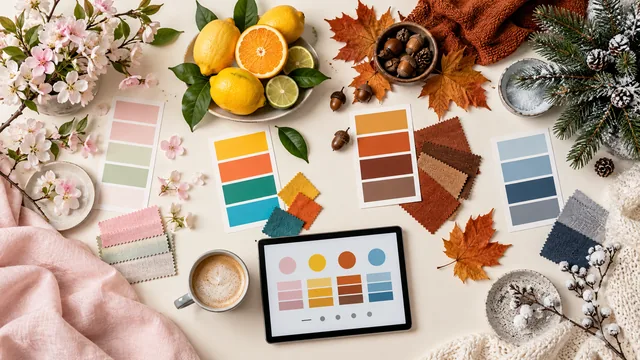
Spring, summer, autumn, winter: each season has a color signature. Here is how to generate palettes that evoke them.

Temperature quietly controls the mood of a palette. Learn to read it, and to balance warm against cool on purpose.

A generated palette tells you which colors to use. This classic ratio tells you how much of each.

Wire a generated palette into CSS variables once, and re-theming your whole site becomes a five-line change.

Five swatches are not a brand. Here is how to assign roles, add neutrals, and document a palette so a team can use it.

Two colors blended into a gradient often produce an ugly grey middle. Here is why, and how to fix it with a generated palette.

A good dark theme is not an inverted light theme. Here is how to derive one from an existing palette.

Accessibility is not a filter you apply at the end. Here is how to bake WCAG contrast into the palette itself.

Free tools vary wildly. Here are the features that actually matter, so you can tell a good one from a frustrating one.

From a generated palette to a ColorScheme: how to structure colors so a Flutter app themes cleanly.

“Calm,” “energetic,” “autumn.” How to translate a single word into a palette a generator can build on.

Blocks come in fixed colors, so the real skill is choosing which ones sit together. A generator helps you plan before you place.

Generate a palette here, then move it cleanly into Canva without losing the exact colors along the way.

What those six characters after the hash actually mean, and why understanding them makes palette work faster.
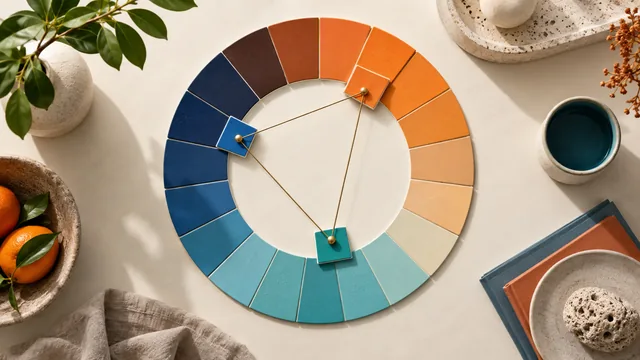
Complementary, analogous, triadic, tetradic: the harmony rules every generator relies on, without the jargon.
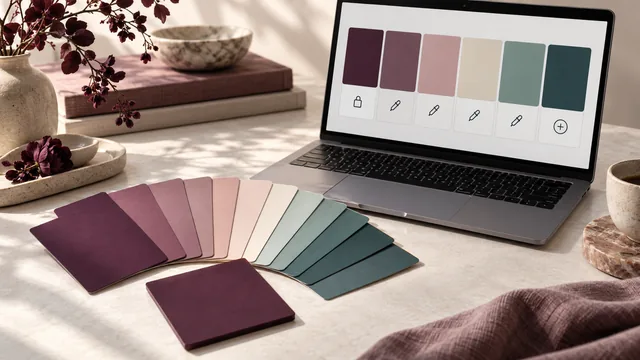
You have a single brand color and need four more that belong with it. Here is how a generator gets you there, and how to steer it.

Turn a photo, screenshot or moodboard into a working color palette in a few steps, and learn how to clean up the result.