Colors travel between formats constantly: hex in your CSS, RGB in your design tool, HSL in your head when you reason about a palette, CMYK at the printer. This guide explains how to convert between them and why HSL is the format that makes palette work straightforward.
Key takeaways
- Hex and RGB are the same numbers in different notation — base 16 versus base 10.
- HSL restates the same color as hue, saturation and lightness, which are the dials designers actually turn.
- Every harmony rule is applied in HSL, because rotating a hue there is a single addition.
- CMYK conversion is approximate, so proof printed color rather than trusting the numbers.
Hex and RGB are the same thing
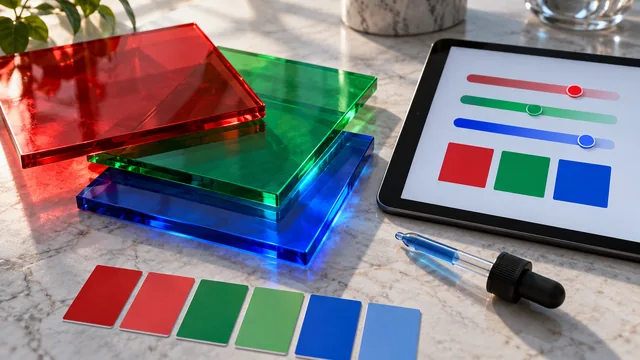
A hex code is three pairs of base-16 digits — red, green and blue — each running from 00 to FF, which is 0 to 255 in decimal. So #8B2D55 is simply RGB(139, 45, 85). To convert hex to RGB by hand, split it into pairs and convert each from base 16. To go back, convert each channel to two hex digits and join them. Nothing is lost in either direction.
HSL: the format for humans
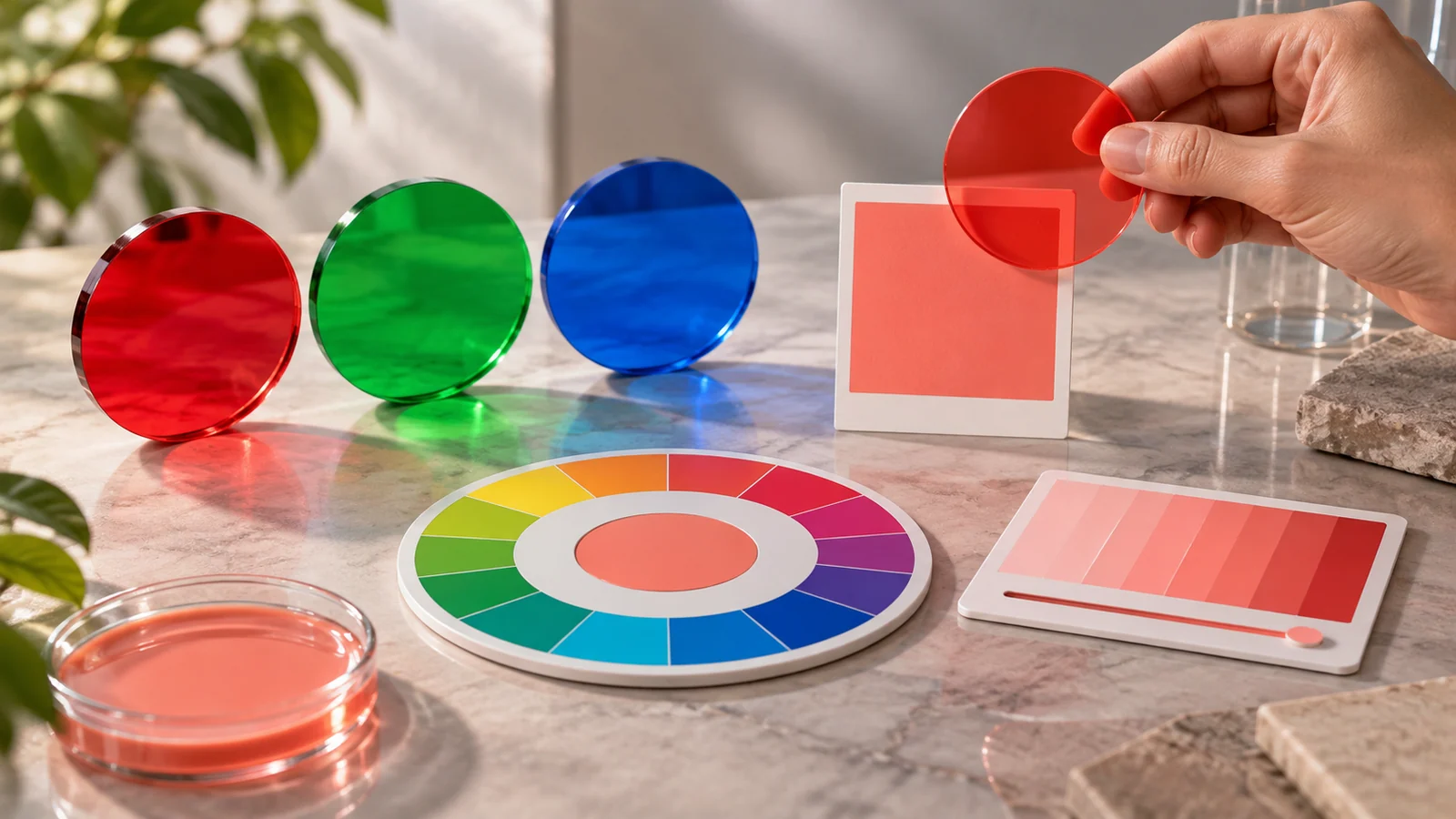
HSL restates the same color as hue (an angle on the wheel), saturation (vividness) and lightness. It is derived from RGB, but it separates the three properties a designer actually adjusts. Want a color a little darker? Lower the lightness. A little less intense? Lower the saturation. In RGB, either change means juggling all three channels at once and hoping the hue survives.
Every harmony rule a generator applies is done in HSL, because rotating a hue is a single addition there and a tangle in RGB.
HSL, HSV and the perceptual spaces
You will also meet HSV (sometimes called HSB), which swaps lightness for a value axis that behaves differently at the top end — the same numbers do not produce the same color in both. Newer perceptual spaces such as OKLCH go further, spacing colors so that equal numeric steps look like equal visual steps. HSL remains the practical default for palette work because it is universally supported and easy to reason about; the perceptual spaces are worth reaching for when fine-tuning a ramp.
CMYK for print
Screens mix light (RGB); printers mix ink (cyan, magenta, yellow and black). CMYK is derived from RGB by working out how much ink is needed to subtract light down to the target color. The conversion is approximate, because the screen gamut and the ink gamut do not overlap perfectly — vivid blues and bright oranges are the usual casualties. Always proof printed color rather than trusting a converted number.
Do it instantly
You rarely need to convert by hand. Paste any hex into the live converter and it shows RGB, HSL, CMYK and HSV together, each click-to-copy. Knowing the manual method is still worthwhile, because it stops the numbers being a mystery when something looks wrong.
Why this matters for palettes
When you can read HSL, you can diagnose a palette at a glance: everything too dark means the lightness values are all low; a washed-out set means saturation is low across the board; a palette that feels chaotic usually has hues scattered with no consistent spacing. Reasoning in HSL turns vague dissatisfaction into a specific, fixable number — and a number is something you can hand to a colleague.
Converting a whole palette at once
Converting one color is trivial; converting a palette consistently is where mistakes creep in. Do the whole set in one sitting, from one source list, and record every format side by side in a single table rather than converting on demand. Ad-hoc conversion is how a brand ends up with two slightly different RGB values for the same color, each correct in isolation and inconsistent together. Note rounding decisions explicitly too, since HSL values are usually rounded to whole numbers and repeated round-tripping between formats can drift a color by a digit or two.
Frequently asked questions
Which format should I store colors in?
Hex, for its compactness and universal support. Convert to HSL when you need to reason about or adjust a color, then store the result back as hex.
Why does the same hex look different on two screens?
Displays differ in gamut, calibration and brightness. Hex specifies the value sent to the screen, not the light that leaves it.
Should I use the newer CSS color functions?
They are excellent for wide-gamut and perceptual work, and hex remains the safest interchange format between tools and people.
For the designer-facing version of the same material, see hex codes explained for designers.