A palette generator can feel like magic: one color in, five coordinated colors out. The mechanism is not magic, though — it is a small amount of color math performed in the right color space. Understanding it makes you better at steering the tool, and much better at debugging a result that looks wrong.
Key takeaways
- Colors arrive and leave as hex, but the work happens in HSL.
- A harmony rule is arithmetic on the hue angle: +180 for complementary, +120 for triadic.
- A good generator also spreads lightness, which is what makes a palette usable.
- Image extraction is a different algorithm entirely: clustering, not rotation.
Hex is for storage, HSL is for thinking
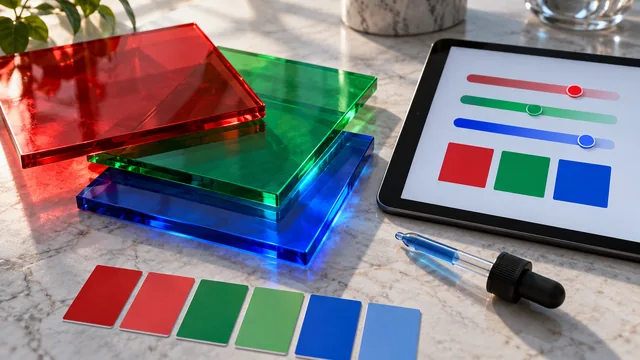
Colors arrive and leave as hex codes, but a generator does almost none of its work there. Hex and RGB describe color as amounts of red, green and blue light, which is how screens work but not how people reason. To rotate a hue or lighten a color in RGB you must adjust all three channels in concert, and the arithmetic is unintuitive. So the first thing a generator does is convert to HSL — hue, saturation, lightness.
Why HSL is the workhorse
In HSL, the three properties a palette cares about become independent dials:
- Hue is an angle from 0 to 360 around the color wheel.
- Saturation is how vivid the color is, from 0 to 100.
- Lightness is how light or dark it is, from 0 to 100.
Now a harmony rule becomes trivial arithmetic. Complementary? Add 180 to the hue. Triadic? Add 120 and 240. Analogous? Nudge the hue 30 degrees each way. The generator does the math in HSL, then converts every result back to hex for you.
This is why the same base color produces such different palettes under different harmony modes: only the hue-rotation number changes. Everything else in the pipeline is identical.
Building a spread, not just a rotation
Rotating hue alone would give you colors that are all equally light and equally vivid — a palette with nowhere to put text and nothing to use as a background. So a good generator also varies lightness across the set, producing a range from a usable dark to a usable light. That lightness spread is what makes a generated palette practical rather than merely correct, and it is the first thing to check when a result looks technically fine but unusable.
Where the math stops being enough
HSL is fast and predictable, but it is not perceptually uniform: two colors with the same lightness number can look noticeably different in brightness, because the eye is far more sensitive to green than to blue. That is why a generated palette sometimes contains a yellow that overpowers everything at the same nominal lightness as a navy that disappears. Perceptual spaces such as OKLCH fix this, and modern tools increasingly use them for the fine tuning — but the harmony logic underneath is unchanged.
Extraction from an image is clustering
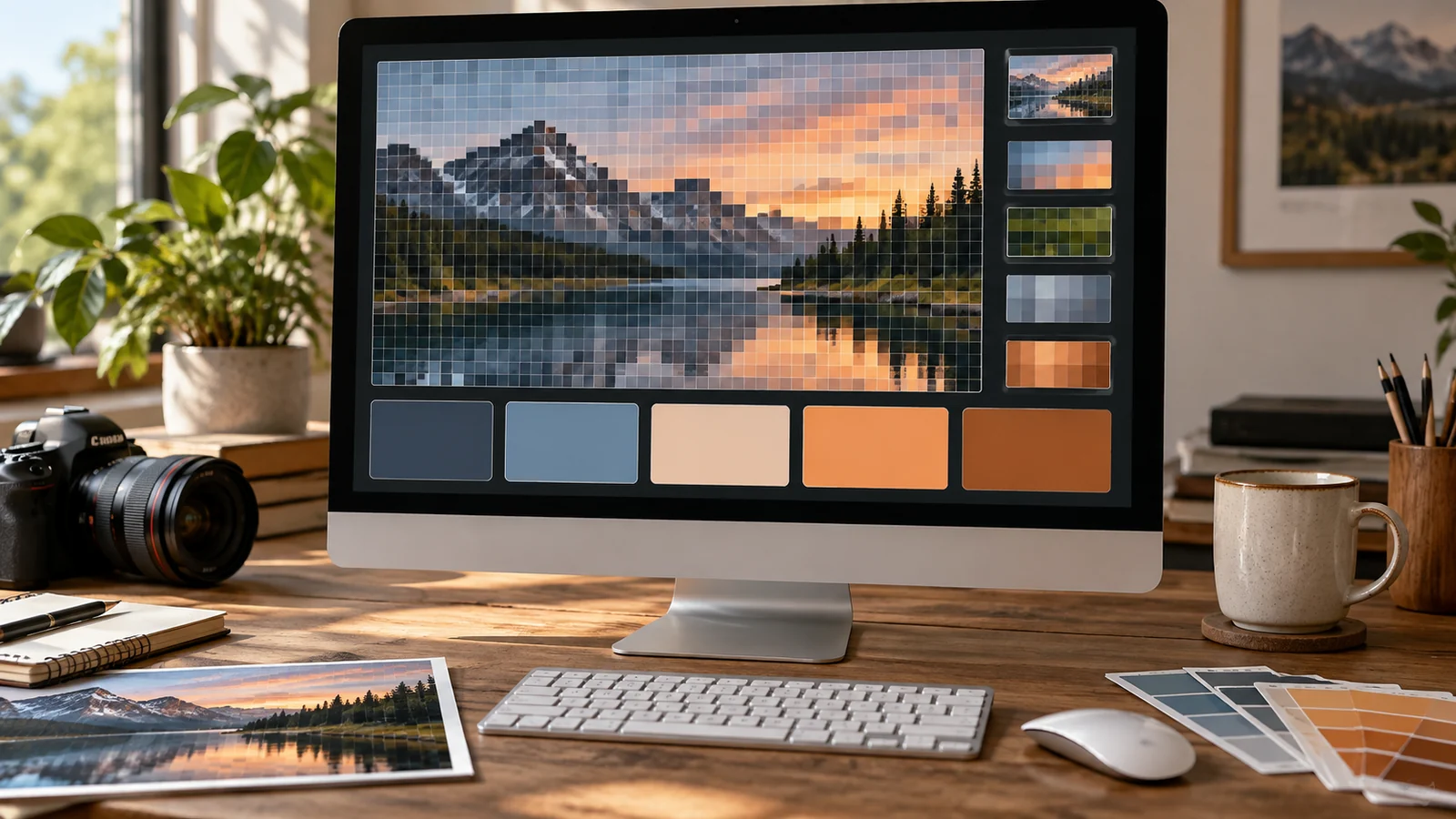
Image-based generation works on a completely different principle. The tool samples the image's pixels, each of which is a point in color space, then groups nearby points into a handful of clusters. The center of each cluster becomes one swatch. A five-color extraction is really "find the five most representative color regions in this image", which is why the source image matters so much: the algorithm can only report clusters that actually exist in the photo.
Why results still need a human
All of this math optimizes for correctness, not taste. It has no opinion on whether a palette suits a luxury skincare brand or a children's app, and no way to know that the client hates orange. That judgment is yours, which is why the best workflow pairs the tool's speed with your eye: let the generator place the colors, then adjust saturation and lightness until the set feels right.
What the tool cannot know
It is worth being precise about the limits, because they define where your attention is needed. A generator does not know your industry conventions, your competitors' colors, the cultural associations of your audience, or that the client's previous agency used the exact shade you just produced. It does not know that your accent will mostly appear as 14-pixel text rather than as a large fill, which changes whether it works. It cannot tell that two of its five colors will never appear on the same screen. These are all judgment calls, and they are the reason a generated palette is a starting position rather than an answer — the math is fast precisely because it ignores context.
Frequently asked questions
Why do two generators give different results from the same hex?
They use different lightness and saturation spreads around the same hue math. The hue angles usually match; the tone decisions are each tool's own.
Does the generator run on a server?
It does not need to. All of this arithmetic runs comfortably in the browser, which is why a good generator responds instantly and works offline once loaded.
Is HSL the same as HSB or HSV?
They are close relatives but not identical. HSV's value axis behaves differently from HSL's lightness, so the same numbers produce different colors in each.
For the color-wheel side of the same story, read color harmony explained simply.