A hex code looks cryptic until you see the pattern, and then it never looks cryptic again. Since a palette generator from hex takes these codes as its native input, a few minutes of understanding pays off every time you build, debug or hand over a palette.
Key takeaways
- Six digits are three pairs: red, green and blue, each from
00toFF. FFequals 255 because hex counts in base sixteen, using A–F for 10–15.- Equal pairs mean a grey; the largest pair tells you the dominant channel.
- Three-digit shorthand doubles each digit, and eight digits add an alpha channel.
Three pairs, three channels
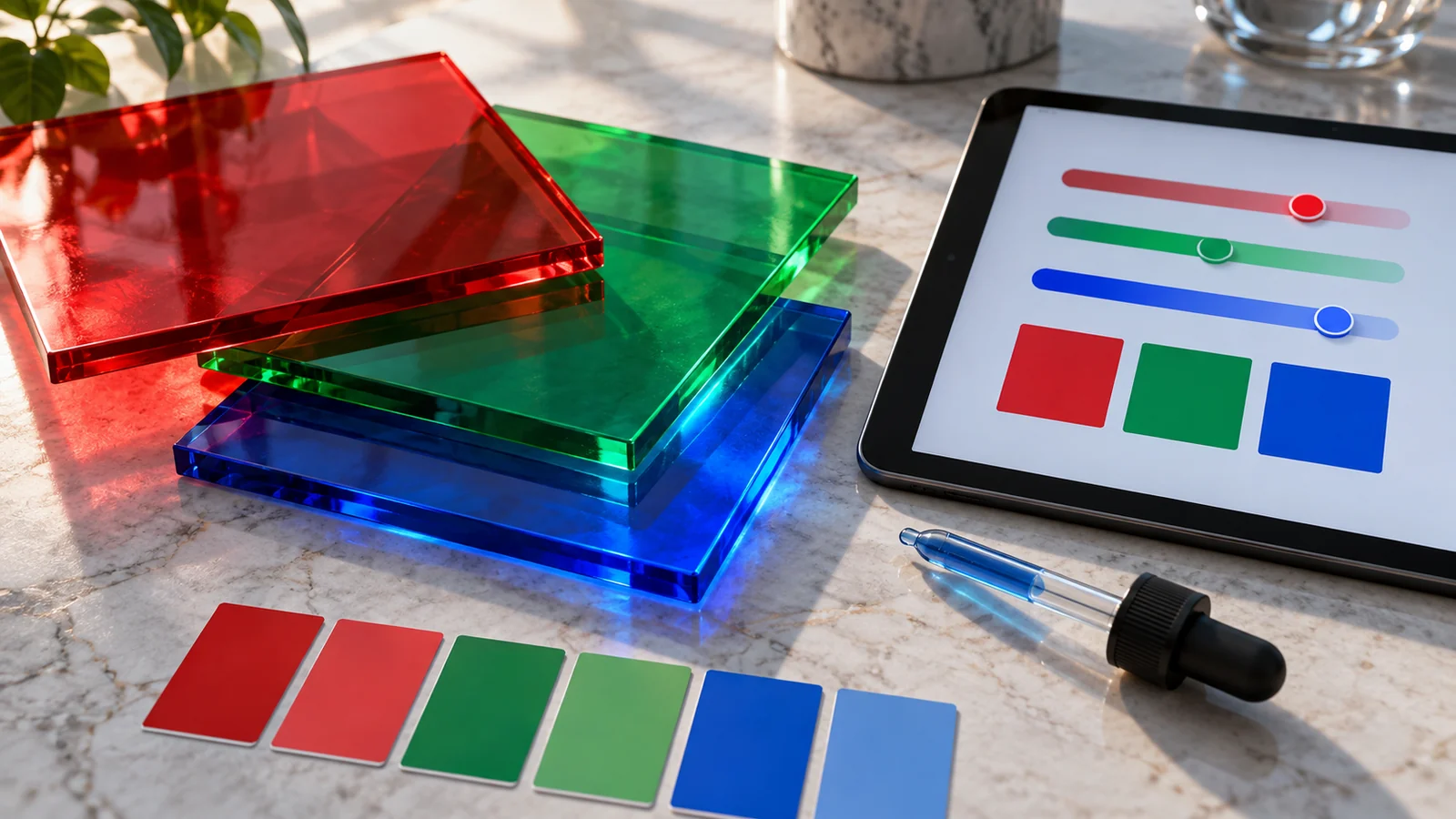
Every six-digit hex code is three pairs of characters. The first pair is red, the second green, the third blue. So #8B2D55 reads as red 8B, green 2D, blue 55. Each pair is a number from 00 to FF, describing how much of that channel of light the screen should emit. That is the whole format — everything else is a consequence of it.
Why FF equals 255
Hex is base sixteen. After 9 it keeps counting with letters: A is 10, B is 11, on up to F which is 15. Two hex digits together can therefore express 16 × 16 = 256 values, from 00 for zero to FF for 255. That is exactly the range each color channel uses, which is why hex and RGB describe the same color in different notation and why converting between them is mechanical rather than lossy.
Reading a color at a glance
With a little practice you can estimate a color from its hex without opening a picker:
- All three pairs high and equal (
#EEEEEE) means a light grey. - All three low and equal (
#222222) means a dark grey. - One pair much higher than the others tells you the dominant channel — a high first pair leans red or pink.
- The gap between the highest and lowest pair tells you roughly how saturated the color is: a wide gap means vivid, a narrow gap means muted.
Our brand plum #8B2D55 has a strong-but-not-maxed red, a low green and a mid blue: red pulled toward magenta, then darkened. That reading takes seconds once the pattern clicks.
Shorthand, alpha and the modern forms
You will also meet three-digit hex such as #F0C, which is shorthand where each digit doubles into #FF00CC. Modern CSS additionally allows an eight-digit form where the final pair is alpha, so #8B2D5580 is our plum at roughly 50 percent opacity. A palette generator works in the standard six-digit form and converts to and from the others as needed, but recognizing all three saves confusion when reading someone else's stylesheet.
Where hex ends and HSL begins
Hex is an excellent storage format and a poor thinking format. It tells you nothing directly about how light a color is or how vivid, because those qualities are spread across all three pairs. That is why palette work happens in HSL, where lightness and saturation are separate dials. Read hex to identify a color; switch to HSL to change one.
Why this speeds up palette work
Once you can read hex, generated colors stop being magic strings. You notice a palette drifting too dark because every pair is low, or looking washed out because the pairs sit close together. That turns vague dissatisfaction into a specific, fixable observation — and it makes reviewing someone else's palette a ten-second job.
A practical mental conversion trick
You rarely need exact arithmetic, but a rough sense of scale is genuinely useful. Treat each hex pair as a percentage: 00 is zero, 80 is about half, C0 is roughly three quarters, and FF is full. Reading #8B2D55 that way gives "just over half red, a fifth green, a third blue" — enough to picture a dark, dusky pink before you open anything. This approximation is accurate enough to catch mistakes, such as a value pasted with two digits transposed, and it makes code review of a stylesheet far faster, because an obviously wrong color announces itself in the numbers rather than waiting for you to load the page.
Frequently asked questions
Is hex case-sensitive?
No. #8b2d55 and #8B2D55 are identical. Pick one convention and keep it consistent across a codebase for readability.
Why do some hex colors look different in print?
Hex describes emitted light; print mixes ink. The conversion to CMYK is approximate because the two gamuts differ, so always proof printed color rather than trusting the numbers.
Can hex describe every color a screen can show?
Every color in the standard sRGB range, yes. Wider display gamuts need newer CSS color functions, but hex still covers the vast majority of web and app work.
For the full conversion mechanics, including CMYK for print, see the hex, RGB and HSL conversion guide.