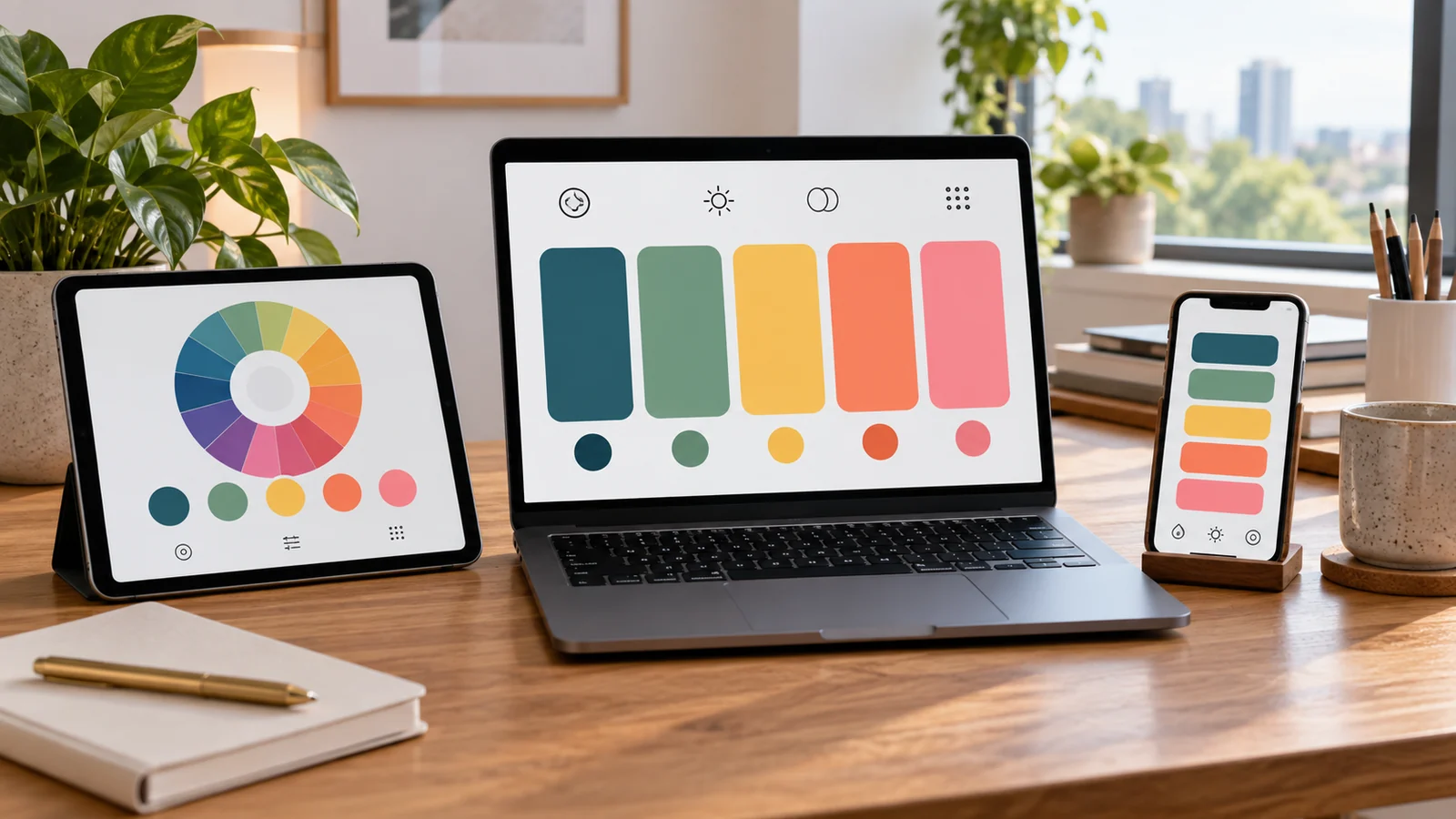
Free palette generators are everywhere, and they range from genuinely useful to quietly frustrating. This guide lays out the features that separate the two, so you can judge any tool — including this one — on what actually matters rather than on how the landing page looks.
Key takeaways
- Free should mean generate, copy and leave: no account, no watermark, no export cap.
- One-click exact hex and a copy-all option are the minimum bar.
- Locking plus regeneration is the interaction that makes a generator usable in real work.
- Harmony control and contrast checking are what separate a tool from a toy.
No sign-up, no watermark
Generating a palette is a five-second task. Any tool that puts an account wall or an email capture in front of it is charging you in time and attention. Watch for the softer version too: exports capped, watermarked, or limited to three colors until you upgrade. Truly free means generate, copy, leave.

Exact hex, one click
The point of a generator is precise color. You should be able to click a swatch and get its exact hex, and copy the whole palette at once. Bonus points for exporting ready-to-paste CSS variables — a reliable sign the tool was built by people who ship designs rather than screenshots.
Locking and regeneration
You will rarely love all the colors at once. Locking the ones that work and regenerating the rest is the essential interaction; without it, every regeneration is a coin flip that discards your good colors along with the bad, and you end up keeping screenshots so you can find your way back.
Harmony control
Random-only tools are novelties. A useful generator lets you choose the relationship — monochrome, analogous, complementary, triadic — so you can steer toward a mood a brief actually asked for. Control is what makes a tool professional rather than a diversion.
Built-in contrast checking
Color and accessibility are one job. A generator that also flags whether your text pairings clear WCAG contrast saves a trip to a second tool and, more importantly, catches an unreadable combination while it still costs one click to fix.
More than one way in
Briefs arrive in different shapes: a hex code from a brand guide, a photograph, or only a word. A tool worth keeping accepts at least a base color and an uploaded image, so you are not forced to translate every brief into the single input it understands. Extraction that runs locally in the browser is a further plus, since nothing you upload leaves your device.
The quiet mark of quality is speed and reach: it should work on a phone, respond instantly, and not stall on a slow connection. A palette generator is a utility and should feel like one.
How this tool measures up
The Palette Generator on this site is free with no sign-up, copies exact hex on click, exports CSS variables, supports locking and every major harmony rule, accepts a color, a hex code or an image, and includes a built-in contrast checker alongside a converter and a shade catalog. That combination is the bar we think a free tool should clear — and the list above is the one to hold us to.
What a comparison cannot tell you
Feature tables are useful for elimination and poor at picking a winner. The things that decide whether you keep using a tool — how quickly it responds, whether the keyboard shortcuts fit your hands, whether the exported code matches your conventions — do not appear in any comparison, including this one. Shortlist two or three tools on the criteria above, then use each on one real project. The one you reach for automatically the following week is the right answer, and no amount of feature counting will have predicted it.
Frequently asked questions
Are paid palette tools worth it?
Mainly for team libraries, shared brand kits and integrations. The palette-building itself is fully covered by good free tools.
What should I look for in an export format?
Plain hex list plus CSS variables covers almost everything. Anything else can be derived from those two in seconds.
Does an offline-capable tool matter?
It does if you work while traveling. A generator whose math runs in the browser keeps working when the connection does not.
For the same checklist in article form, see choosing a free palette generator.