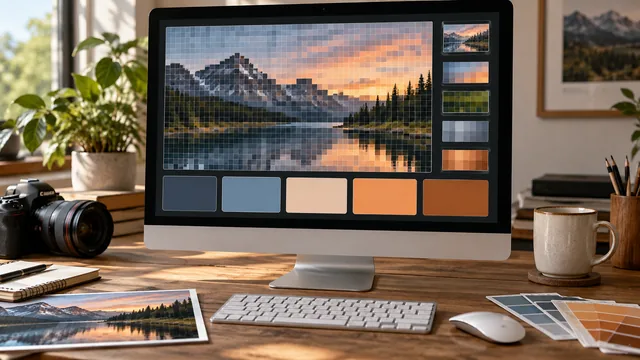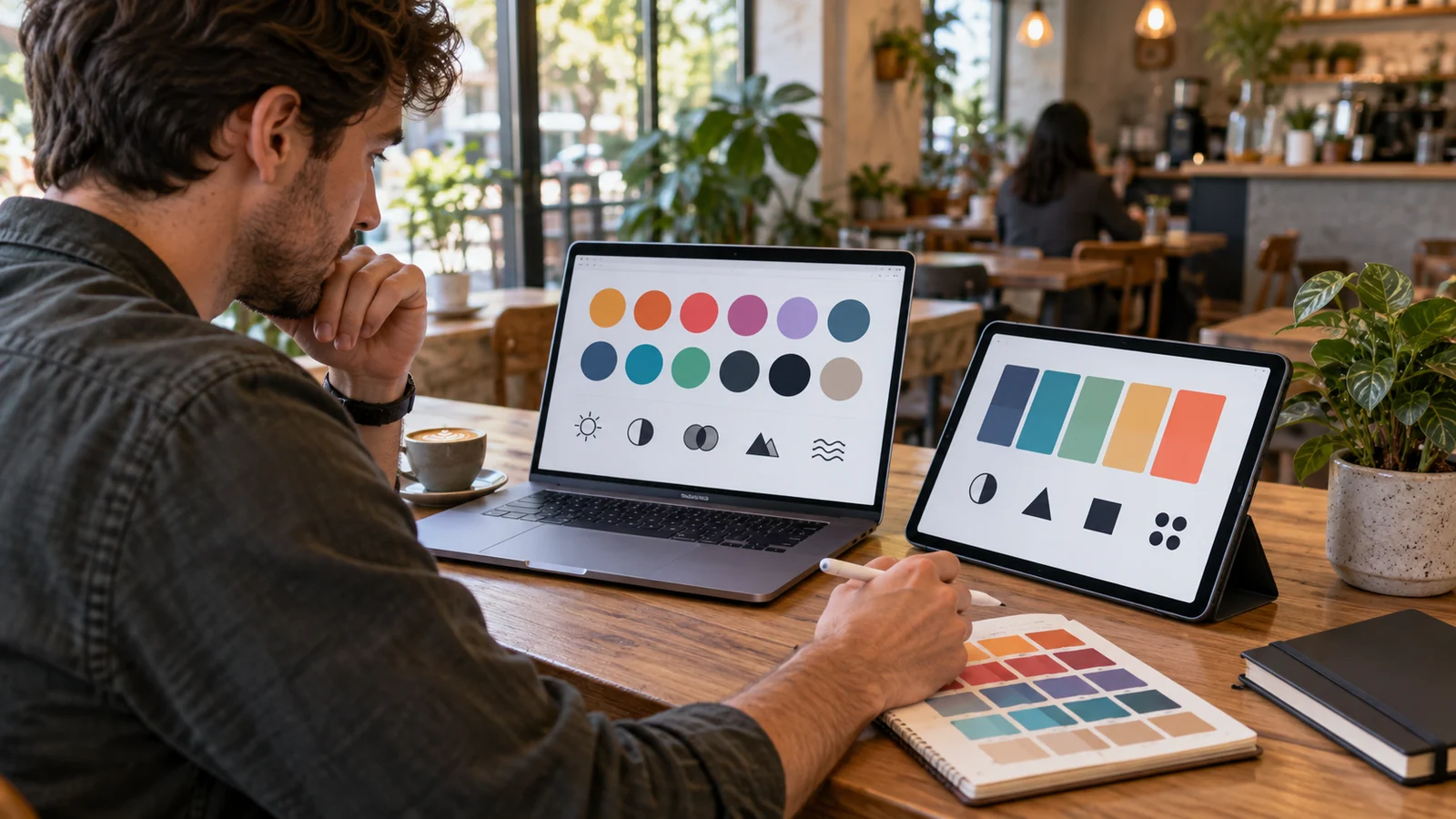
Search for a free palette generator and you will find dozens of them. Most look similar in a screenshot and behave very differently once you have real work in front of you. A short list of features reliably separates a tool you return to every week from one you close after a single palette.
Key takeaways
- Truly free means generate, copy and leave — no account wall, no watermarked export.
- One-click exact hex, and a copy-all option, are the minimum bar for a color tool.
- Locking colors and regenerating the rest is the interaction that makes a generator usable.
- Built-in contrast checking saves a second tool and prevents shipping an unreadable palette.
No sign-up, no watermark
Building a palette is a five-second task. Any tool that puts an account wall or an email capture in front of that is trading your time for a lead. Truly free tools let you generate, copy and leave. Watch for the softer version of the same trade too: exports that are watermarked, capped at three colors, or locked behind a upgrade prompt the moment you try to save.
Exact hex on one click
The entire point of a generator is exact color. You should be able to click any swatch and land its precise hex on your clipboard, plus copy the whole palette at once for pasting into a brief or a stylesheet. If copying a single color takes three steps, the tool is fighting the job it exists to do.
A quiet mark of quality: the ability to copy a palette as ready-to-paste CSS custom properties, not just a list of codes. It signals the tool was built by people who actually ship designs.
Locking and regeneration
You will almost never love all five colors at once. The essential interaction is locking the ones that work and regenerating the rest around them. Without locking, every regeneration is a coin flip that discards your good colors along with the bad, and you end up screenshotting results so you can find your way back to one.
Harmony control, not just randomness
A generator that only produces random sets is a novelty. A useful one lets you choose the relationship — monochrome, analogous, complementary, triadic — so you can steer toward the mood a brief actually asks for. Random is a fine starting point for exploration; control is what makes the tool professional when a client is waiting.
Built-in contrast checking
Color and accessibility are the same job, not two jobs. A generator that also tells you whether your text-and-background pairs clear WCAG contrast saves a trip to a second tool and, more importantly, catches an unreadable pairing while you can still fix it in one click. Tools that treat accessibility as somebody else's problem quietly export palettes that fail in production.
Multiple input routes
Real briefs arrive in different shapes. Sometimes you have a hex code from a brand guide, sometimes a photograph, sometimes only a word like calm. A generator worth keeping accepts at least a base color and an uploaded image, so you are not forced to translate the brief into the one input the tool understands.
Fast, portable and quiet
Finally, the unglamorous requirements: it should work on a phone, respond instantly, survive a slow connection, and not bury the palette under advertising. A palette generator is a utility, and utilities earn loyalty by being boringly reliable. Our free palette tools comparison walks the same checklist feature by feature.
Try it on a real brief, not a demo
Every generator looks capable when you are pressing shuffle for fun. The honest test is a real constraint: take a fixed brand hex, lock it, and try to produce a five-color palette with a usable background, a readable text color and an accent that passes contrast. Time yourself. A good tool gets you there in under two minutes and lets you copy the result in one click; a weak one has you switching to a converter, a contrast checker and a notes app to hold the values. That single exercise reveals more about a tool than an hour of browsing feature lists, because it exercises exactly the sequence real work follows.
Frequently asked questions
Are free palette generators good enough for client work?
Yes, provided the tool gives you exact hex values, locking and contrast checking. Those three features cover everything a paid tool does for palette creation itself.
Do I need an account to save palettes?
No. Copy the hex codes into your project file, design tool or a plain note. A portable text list outlives any tool's saved-palette feature.
Which input should I start from?
Start from a hex code when a brand color already exists, and from an image when you have a mood but no fixed color. Both routes end in the same refine-and-lock workflow.
Judge any tool — including this one — against that list, then try it on a real brief rather than a demo.