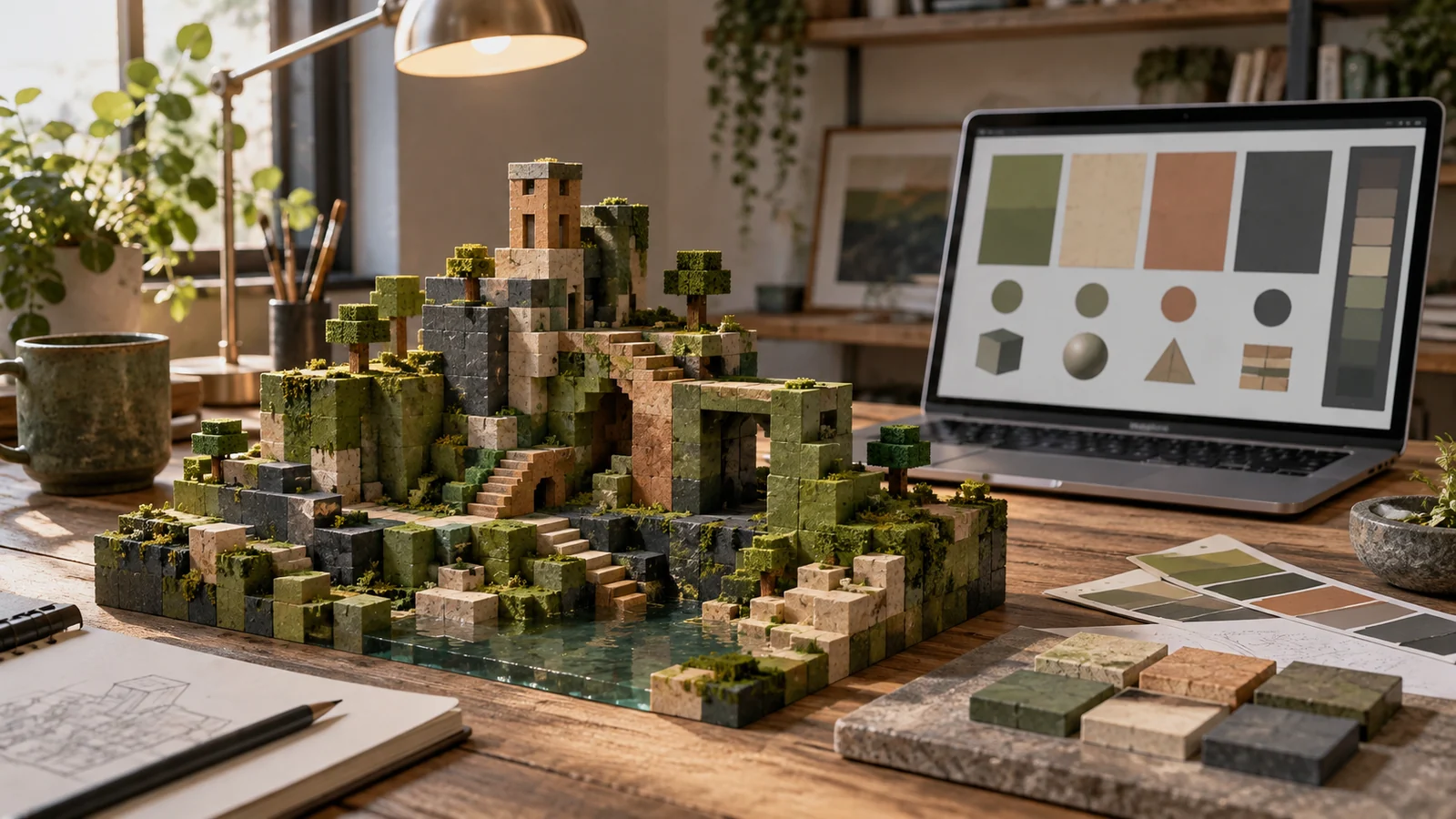
Minecraft builders talk about their "block palette" for a reason: the colors of a build are chosen, not painted. You cannot mix a custom hue, so the craft is picking which of the game's fixed block colors belong together. A palette generator for Minecraft planning moves that decision earlier — before you have hauled a thousand blocks into place and discovered the roof fights the walls.
Key takeaways
- Design the scheme in abstract color first, then translate each swatch to the nearest block.
- Concrete and terracotta are the closest Minecraft gets to flat designer swatches.
- Apply a 60-30-10 balance so one block dominates instead of everything competing.
- Texture is a second axis: two blocks in one tone give variety without a new color.
Plan the scheme abstractly first
Start in the generator with pure color, ignoring blocks entirely. Decide the mood before the materials: an earthy analogous set of browns and greens for a survival base, a high-contrast complementary pair for a modern build, a monochrome stone gradient for a castle. Getting the color relationships right in the abstract is far easier than juggling block names in your head, and it stops you from defaulting to whatever you already have in a chest.
Match generated colors to blocks
Now translate each generated color to its nearest block. This is where builders develop an eye, and a few reliable anchors speed it up:
- Warm neutrals: stripped oak, smooth sandstone and the terracotta family cover most beiges and tans.
- Cool neutrals: stone, andesite, tuff and deep slate cover greys from light to near-black.
- Accents: glazed terracotta, concrete and wool supply the punchy, saturated colors a generator suggests for the accent role.
- Greens: moss, azalea leaves and the copper oxidation stages fill the awkward middle greens that stone and wood cannot reach.
Concrete blocks are the closest Minecraft gets to a designer's flat color swatch. When a generated palette calls for a clean, saturated hue, concrete is usually the match.
Respect the 60-30-10 balance
Builds that use every color equally look chaotic from a distance, which is exactly the range most people see them from. Apply the same ratio interior designers use: roughly 60 percent a dominant block, 30 percent a secondary, and 10 percent an accent. A generated five-color palette maps naturally onto this — one dominant, two secondaries, one accent and one detail color. The 60-30-10 rule works as well on a build as on a webpage.
Texture is part of the palette
Two blocks can share a color and still read differently because of texture and light. A smooth block beside a chiseled one in the same tone gives variation without adding a new color, and that is what stops a large wall from looking like a flat sheet. Plan the palette for hue first, then use texture to add the depth a swatch cannot show. Stairs, slabs and walls placed as detailing do the same job at a smaller scale.
Test at the scale you build
Colors behave differently across a hundred blocks than across ten. Before committing a scheme to a large structure, place a small test wall using your intended proportions and look at it from the distance players will actually stand at. Lighting matters too: a palette tuned at noon can turn muddy under torchlight, and blocks that glow — glowstone, shroomlight, copper bulbs — change the temperature of everything nearby.
Keep a block-to-hex reference
The most useful thing a builder can own is a personal reference list pairing block names with their approximate hex values. Build it once by extracting colors from a screenshot of your own block collection, then reuse it forever: when the generator suggests a warm mid-tone, you look it up rather than flying to a creative-mode inventory to compare. Group the list by family — warm woods, cool stones, saturated concretes, glazed accents — so it mirrors the roles a palette needs. Over a few builds the list becomes a genuine material library, and choosing blocks starts to feel like choosing paint rather than guessing from memory.
Frequently asked questions
How many blocks should one build use?
Four to six for the main structure, plus two or three detail blocks. More than that and the build stops reading as a designed object from a distance.
Can I sample a real Minecraft screenshot?
Yes, and it is a fast way to reverse-engineer a style you like. Upload the screenshot to the image mode of the generator and it will return the dominant block colors as hex values.
Do palettes carry across Java and Bedrock?
Block colors are essentially identical, but lighting and shaders shift how they appear. Test your scheme in the version and resource pack you actually play.
Once a scheme holds together, save the hex codes and their matching block names as a reference list, so the next build in the same world stays consistent.